 Quatrelle
The open-source Outlook alternative for Linux, Windows and macOS
Quatrelle is a free email client with a calendar, people and tasks beside it, written in Rust. Folders, a message list grouped by date, a reading pane, the ribbon and the shortcuts you already know — over IMAP and SMTP, JMAP, your organisation's Exchange server or Microsoft 365. Your mail is kept on your computer, so it opens instantly and stays readable offline.
The browser version opens a sample mailbox: nothing to install, nothing sent anywhere. Free and open source, MIT or Apache-2.0.
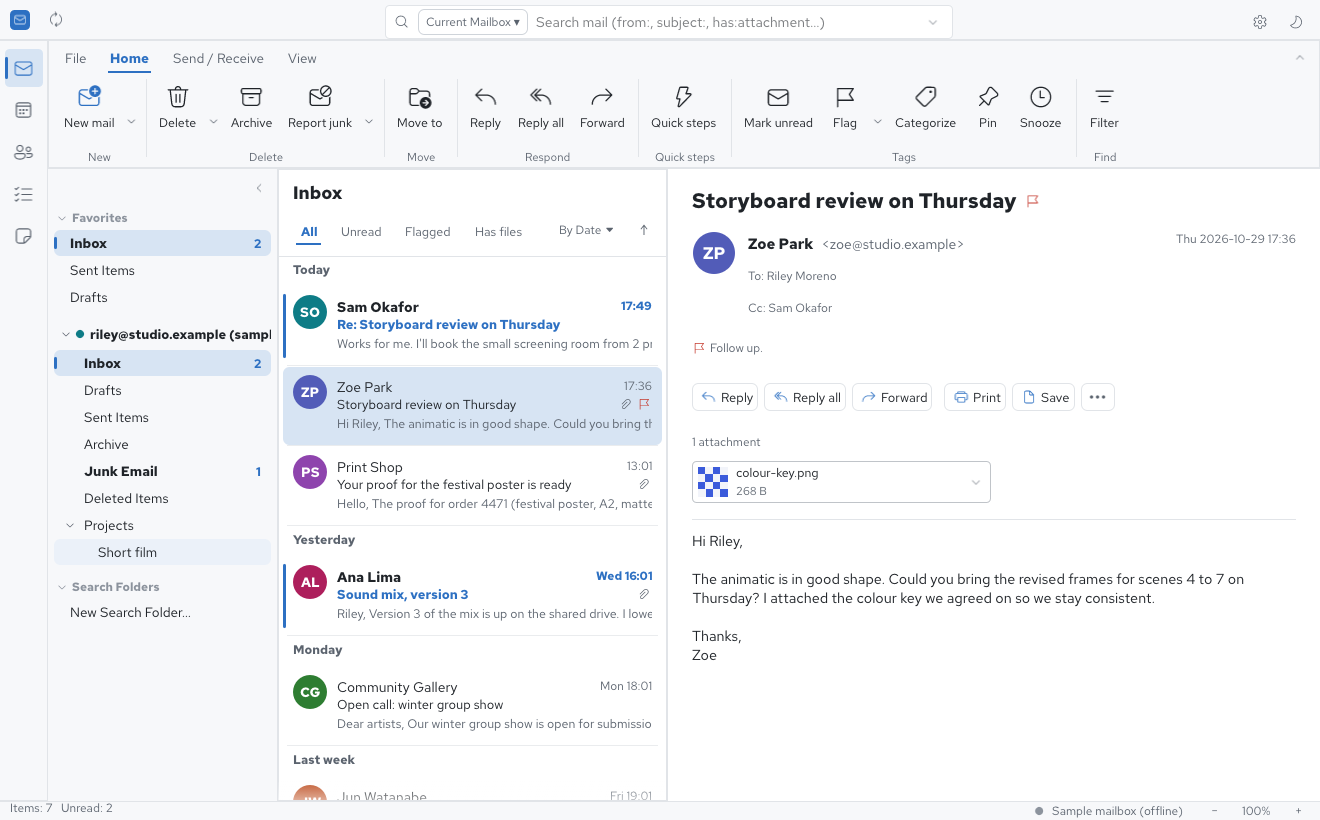
One email client for IMAP, JMAP, Exchange and Microsoft 365
- Any IMAP or POP provider
- With SMTP to send; settings found from your address, SSL/TLS or STARTTLS, Gmail and Outlook.com included.
- Exchange on-premises
- Your organisation's own Exchange server through EWS, found with Autodiscover: mail, calendars, contacts, shared mailboxes, public folders and the server's rules.
- Exchange Online and Microsoft 365
- Through Microsoft Graph, with sign-in in your browser (OAuth 2.0).
- JMAP, CalDAV and CardDAV
- Modern mail servers, plus calendars and address books kept in sync. Outlook data files (
.pst) open too.
A familiar email client, kept on your computer
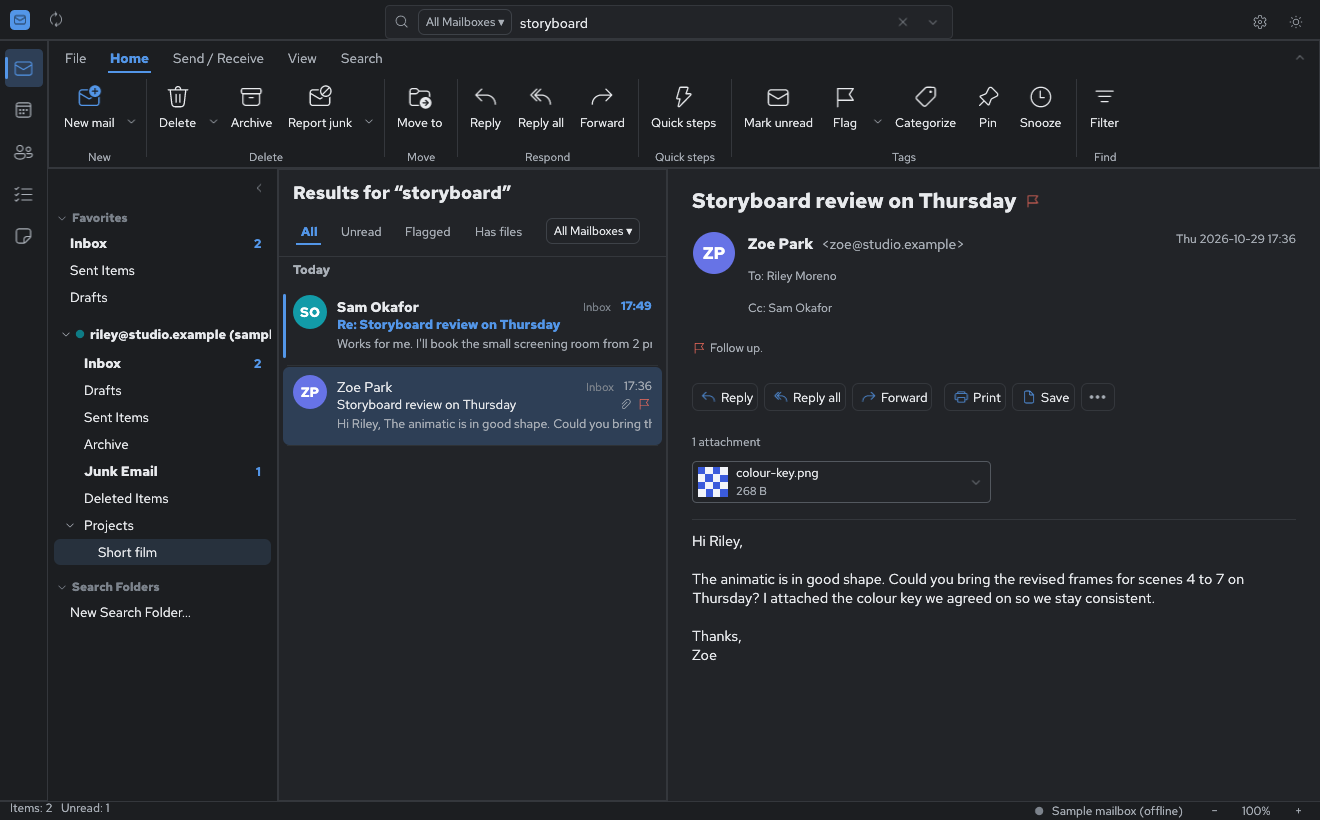
Search every folder, even offline
Every folder is cached on disk, so search answers at once, with or without a connection.
Narrow it down with from:, subject:, has:attachment or
is:unread. Conversations, and a dark mode.
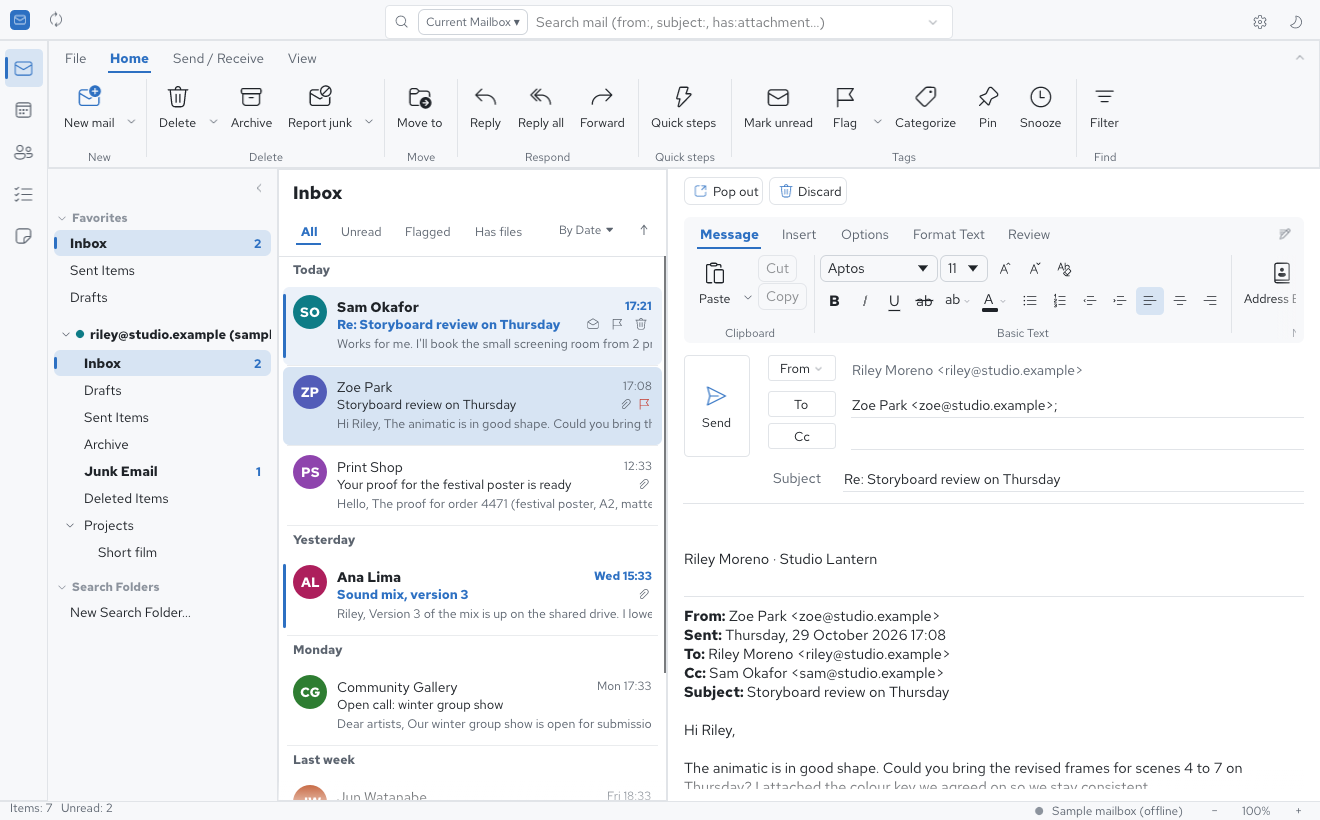
Write in place
Reply, Reply all and Forward in the reading pane or in a window of their own. Formatting, pictures, attachments, signatures, Cc and Bcc, drafts saved to the server and an Outbox for mail written offline. S/MIME signing and encryption.
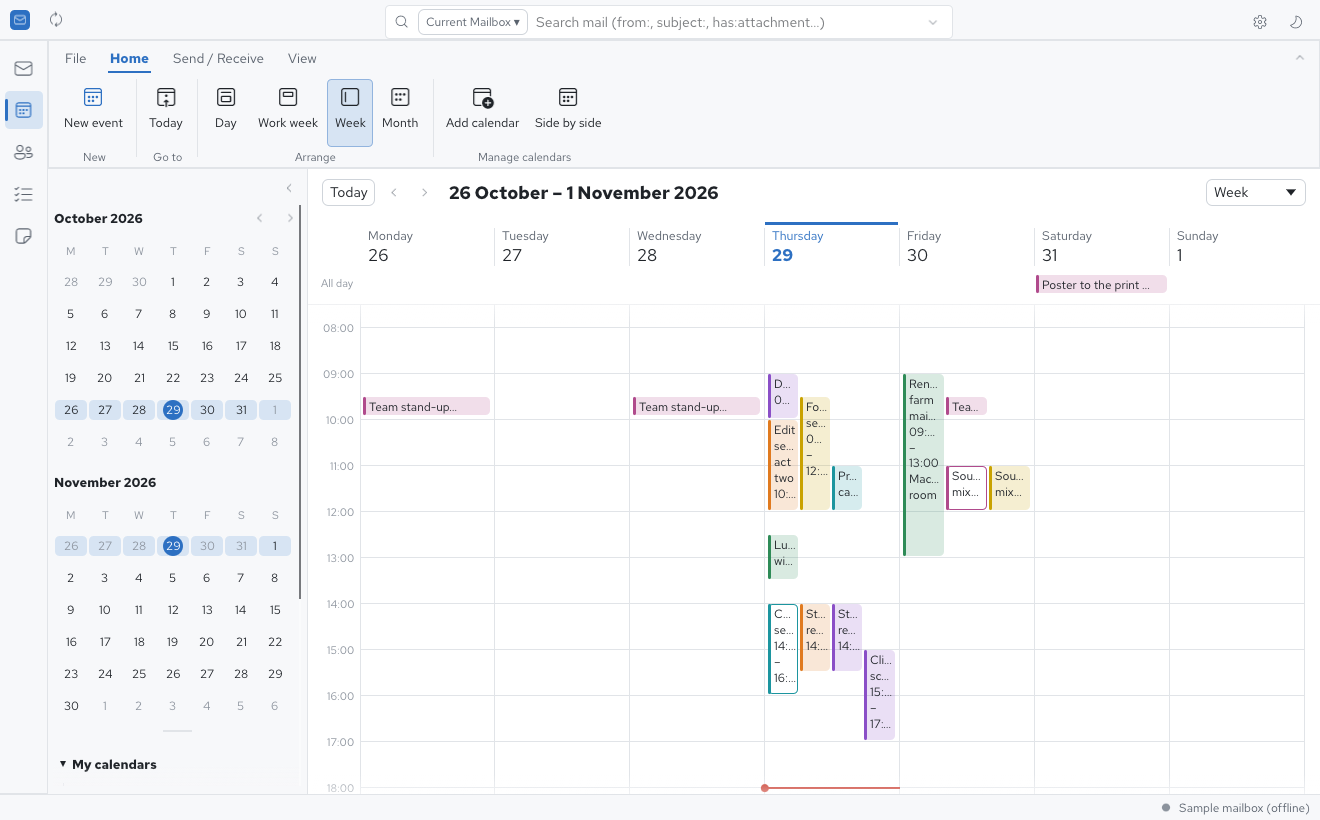
Calendar, people and tasks
Day, week and month views, recurring events and time zones, meeting invitations you can accept or decline, the Scheduling Assistant and the Room Finder — on Exchange, CalDAV or this computer. An address book beside it.
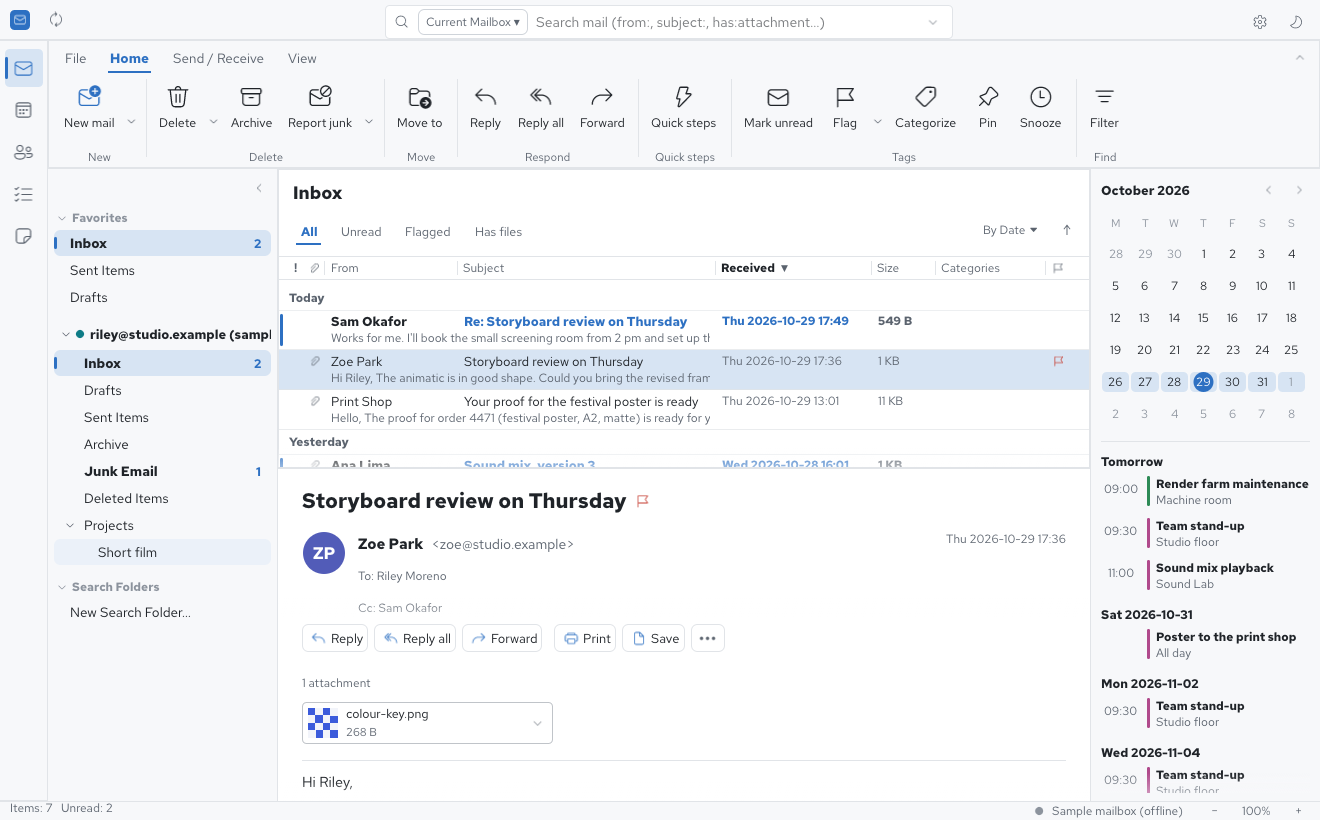
The layout you are used to
Three panes or the classic table, the reading pane on the right, at the bottom or off, and the To-Do bar. The everyday shortcuts work as you expect:
- Ctrl+N new, Ctrl+R reply, Ctrl+Shift+R reply all, Ctrl+F forward
- Insert to flag, Delete, Backspace to archive, F9 to send and receive
- Ctrl+E to search, Ctrl+Z to undo
Private by design
Your mail stays with you
No cloud relay: Quatrelle talks to your own mail servers directly over TLS, and keeps the mail on your computer.
Passwords in the system keychain
Windows Credential Manager, the macOS Keychain or the Secret Service, never Quatrelle's own files.
No trackers in your mail
HTML mail is shown as formatted text; pictures from the web load only when you ask.
Open and clean-room
Built in Rust from the public standards (the RFCs) and Outlook's visible behaviour. MIT or Apache-2.0.
Why “Quatrelle”?
A quatrelle is a Renault 4L — the yellow van the postman drove from one mailbox to the next, never in a hurry and never leaving a letter behind. Ours is a little rusty in places, and that is the point: Rust is the language underneath.
Download Quatrelle for Linux, Windows or macOS
| Linux | AppImage, .deb, .rpm, Flatpak and .tar.gz (x86_64, aarch64, riscv64) |
|---|---|
| Windows | .msi installer and a portable zip (x64, x86, ARM64) |
| macOS | .dmg (universal) |
| FreeBSD | tarball |
The Windows and macOS installers aren't signed yet: Windows SmartScreen asks you to confirm (More info, then Run anyway), and macOS to allow the app in System Settings, Privacy & Security.